How to Log Your Meal BEFORE You Eat in Burnie
A simple 10-second habit: type what you are about to eat into Burnie, see the calorie total, then decide. Here is the exact step-by-step flow with a real meal example.
You are about to eat lunch. Stop for ten seconds. Open Burnie. Type what is on your plate. Then decide. That tiny pause is the whole idea. This article shows the exact steps, with a real Indian meal example.
The Burnie pre-meal flow in four steps
Step 1: You are about to eat. Open Burnie. Step 2: Type the meal in plain words, like '2 roti, dal, sabzi, half cup rice'. Step 3: Burnie AI estimates the calories from your text description. Step 4: You see your food total for the day and your deficit remaining. Now you choose — eat it, eat less, or swap something. Burnie computes your daily deficit as food_total_kcal minus (bmr + active_calories). Your active calories come from your phone or Android Health Connect (Samsung Health), or you can set them yourself. Burnie is free, and it never reads your heart rate, sleep, blood pressure, or location.
A real example: lunch as planned vs a lighter swap
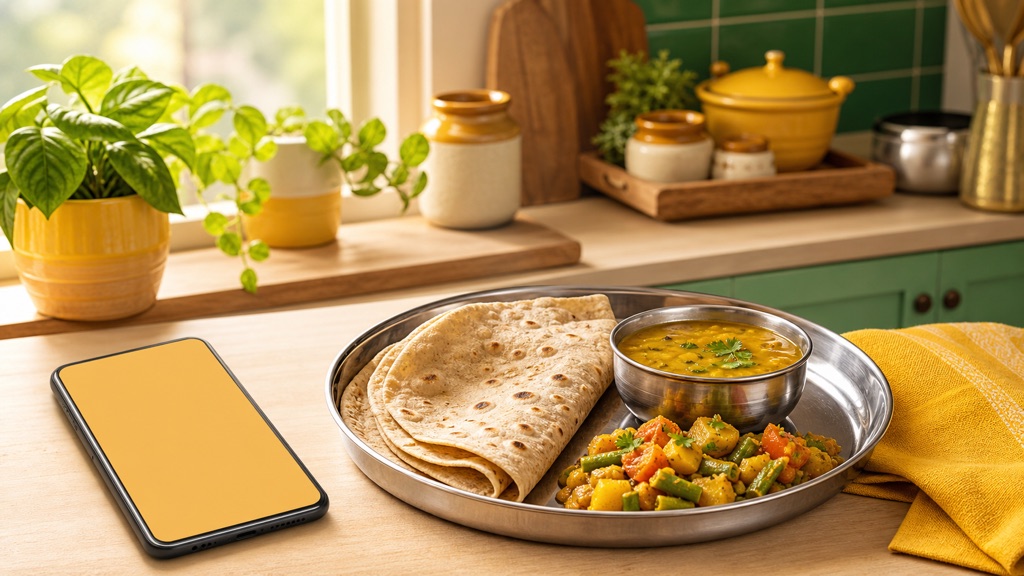
Say lunch is 2 medium roti, one small bowl of dal, half a cup of mixed-vegetable sabzi, and half a cup of cooked rice. You type that into Burnie. Burnie AI estimates the meal from your text. Now you compare two options before you sit down.
Make it a 10-second habit
The bottom line
Log before you eat, not after. Type the meal, see the total, then decide. Ten seconds, one free app, a lighter plate you actually chose.