
The short answer
Pay for software in five phases: discovery, working core, stable release, integrations, then automation and reporting. Make each phase end with an artefact you own and an acceptance test you personally perform, and you will never pay twice for the same thing. What forces businesses to rebuild is not bad luck; it is a phase that ended with nothing portable, so the next vendor had to start again.
The rule that runs through everything below: a phase is finished when you own its output, not when it is demonstrated.
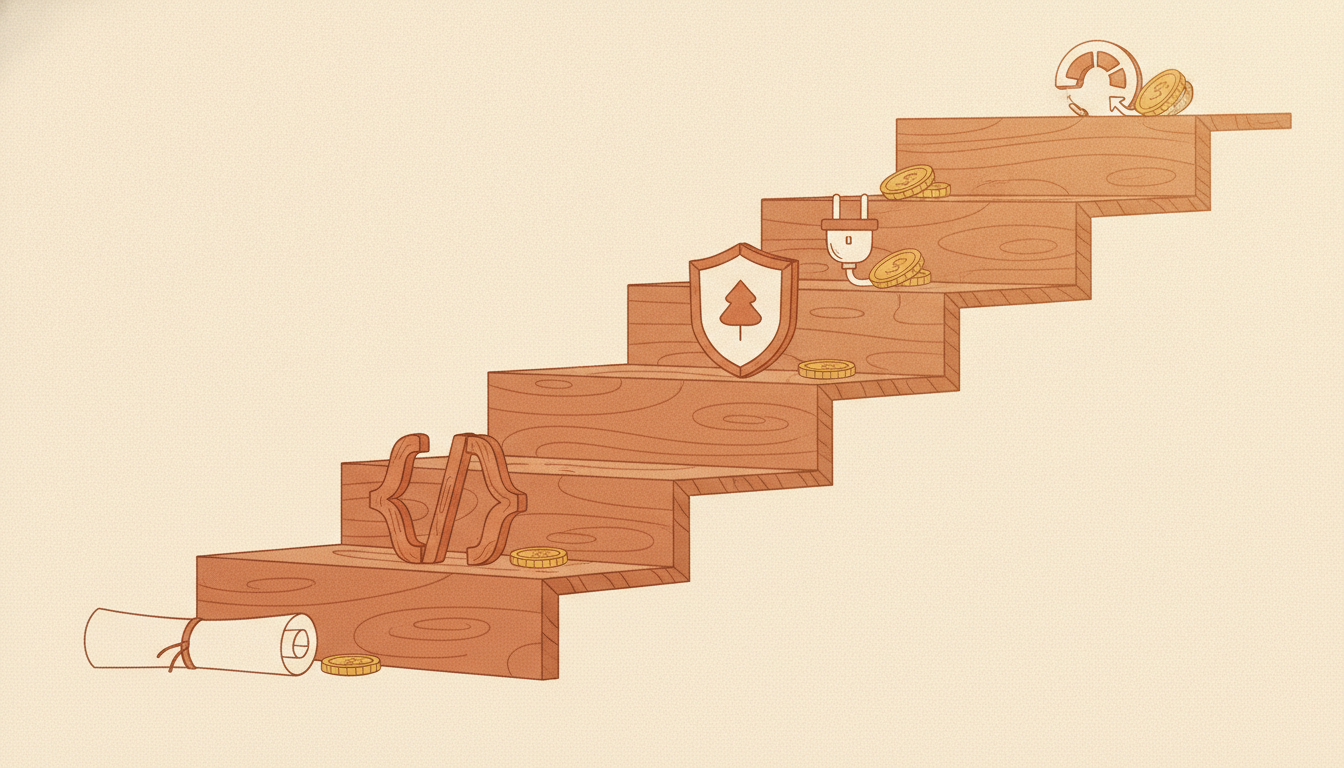
Why budgets get paid twice
Three patterns cause the double spend, and none of them involve a dishonest vendor.
First, the phase produced a demo instead of an artefact. Impressive screens, no repository, no data model you keep. The next phase starts from a conversation rather than from code.
Second, the phase overreached. Five half-built features beat one finished one into the "done" column, and the next phase is really the same phase again wearing a new invoice number.
Third, the acceptance was a feeling. "It seems to work" at phase end becomes "it never really worked" at handover, and the repair looks like new work.
Each phase below is designed against those three failures.
Phase 1: Discovery, paid for properly
Discovery turns a business problem into a written scope. What you buy: a requirement document, a scope with a fixed INR range, a phase plan, and a decision on what is explicitly excluded.
Exit artefact. The written scope document, in your possession, naming the exclusions as clearly as the inclusions.
Acceptance gate. Read it and ask one question: could two different developers build the same thing from this document? If yes, it passes. If it leaves room for interpretation on anything you care about, it is not finished.
Do not let anyone absorb discovery into the build as a free courtesy. Free discovery is paid for later, in the estimate, and you lose the document that would have protected you.
Phase 2: The working core
The core is one complete path through your most important workflow, end to end, usable by real staff, even if it looks plain. Not five screens across five workflows. One workflow, finished.
What you buy: the smallest software that lets your team run that one flow without the old spreadsheet.
Exit artefact. Repository access in your account, a running deployment, and the data created during the phase living in a database you can point to.
Acceptance gate. Watch a staff member complete the real flow, start to finish, without the developer touching the keyboard. If they cannot, the core is not done, whatever the demo showed.
Phase 3: The stable release
Stability work is the least glamorous phase and the most commonly squeezed. It covers error handling, permissions, backup, the boring screens nobody demos, and the removal of rough edges real use has exposed.
Exit artefact. A deployment guide, a backup that has actually been restored once, and a known-issues list.
Acceptance gate. Try to break it. Enter wrong values, use the browser back button, log in with the wrong role. Every failure you find here is cheap; every one a customer finds is expensive.
Phase 4: Integrations
Only now connect the outside world: payment gateway, WhatsApp, Tally, e-invoicing, delivery partners, calendars. Integrations come late because each one adds a dependency, and dependencies fail on their own schedule.
Exit artefact. A list of every connected service, its account owner, its cost, its renewal date, and what happens in your system when it fails.
Acceptance gate. For each integration, test both the happy path and the failure: what appears in your system when the partner is down or the payment is interrupted? Silence is a bug.
Phase 5: Automation and reporting
The last phase spends money on removing work rather than adding features: reminders, scheduled reports, and the numbers that let you steer. Automation is last deliberately, because automating an unstable process simply makes mistakes arrive faster.
Exit artefact. The reports, phrased as the questions owners ask, and a written note of what each automation does when it fails.
Acceptance gate. Pick any automated action and trace it back to the record that triggered it. If you cannot explain an automation's cause and effect, you cannot trust its output.
The phase table
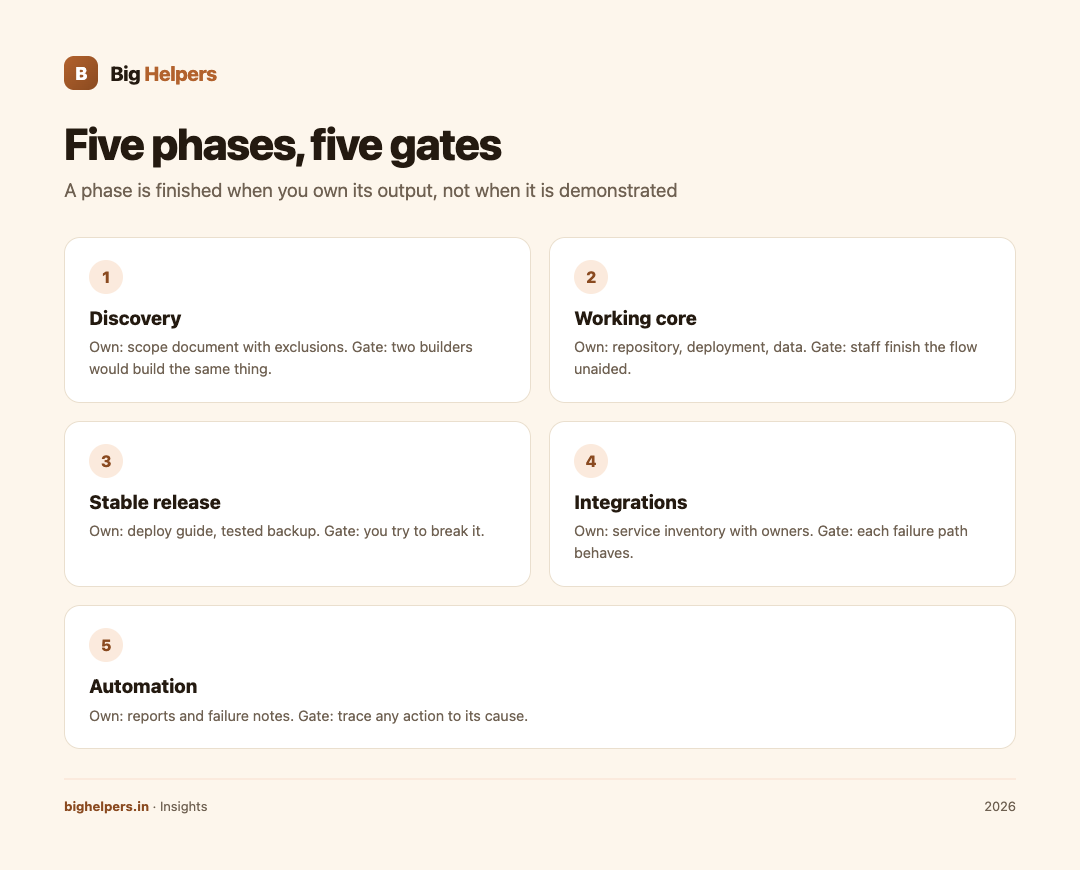
| Phase | You buy | Exit artefact you own | Gate you test |
|---|---|---|---|
| 1 Discovery | Written scope and range | Scope document with exclusions | Two builders would build the same thing |
| 2 Working core | One complete workflow | Repository, deployment, data | Staff finish the flow unaided |
| 3 Stable release | Robustness and roles | Deploy guide, tested backup | You try to break it |
| 4 Integrations | Connections | Service inventory with owners | Each failure path behaves |
| 5 Automation | Removed work | Reports and failure notes | Trace any action to its cause |
How payments should track phases
Milestone payments exist to make this structure enforceable. The working pattern Big Helpers publishes is payment against demonstrated, working software: weekly demos with milestone payments, so you see working software before each payment rather than after the last one, and a written scope with a fixed range agreed before work starts, with the range moving only if the scope moves. Those terms, stated on the pricing page, are the commercial shape of everything in the table above.
If a vendor proposes a large advance against a thin scope, treat that as a phase-one conversation that has not happened yet.
Sequencing rules that prevent rebuilds
- Never let two phases run as one milestone. Blended milestones cannot fail individually, so nothing can be individually accepted.
- Own the artefact before the next advance. The repository, the data and the documents move to you at each gate, not at project end.
- Cut scope, not phases. When money tightens, shrink phase two to a narrower workflow. Skipping stability to save budget guarantees paying for it later.
- Keep integrations out of the core build unless the core is meaningless without one, such as a payment-first product.
- Write the version-two list during version one. Park every good idea in a dated list instead of letting it drift into the current phase.
Common mistakes
- Approving a phase by demo rather than by artefact.
- Letting "phase two" silently become "phase one, continued".
- Paying the final balance before the exit artefacts arrive.
- Replacing a vendor between phases without the artefacts, which is where the literal double payment happens.
- Treating the original estimate as fixed while the scope grows. A range holds only while the scope holds.
Frequently asked questions
How many phases should a small project have?
A small website may need only two: scope and build. The five-phase structure matters as projects grow; apply the parts that fit.
Should integrations really wait until phase four?
Almost always. Building on a stable core means each integration is tested against software that already works, and failures point at the integration rather than at everything at once.
What if my budget only covers phases one and two?
That is a perfectly good plan. A scoped core with owned artefacts is a real asset. A half-finished everything is not.
How do I keep the vendor honest on phase quality?
Use the acceptance gates as payment conditions and keep weekly demos. The MVP cost guide covers typical payment structures and support windows in India if you want benchmarks.
Does phasing cost more overall?
It costs slightly more in coordination and slightly less in rework. Across projects that change mid-build, phasing reliably comes out cheaper, because changes land in a phase designed to absorb them.
Where does scoping an MVP fit?
Phase one. The discipline of deciding what stays out, covered in How to scope an MVP without losing the plot, is exactly the discovery work that makes every later phase cheaper. The free scope builder tool helps you do that first cut yourself.
Your next step
Take your current or planned budget and write it as five lines against the table above, naming the exit artefact for each. If a line has no artefact, that is where a future invoice is hiding. Before the next advance leaves your account, ask for the written scope with a fixed INR range; per-service ranges are published openly on the Big Helpers services page, so you can sanity-check any quote against them first.
Sources & references
- Big Helpers pricing: written scope with a fixed range; milestone payments against working software.
- Big Helpers services: published per-service INR ranges.
- How much does an MVP actually cost in India in 2026?: payment structures and support windows referenced above.
- How to scope an MVP without losing the plot: the phase-one exclusion discipline.
- MVP scope builder tool: for the first scope cut.
Pricing in this guide is verified as of the article date. Verify with vendors before committing budget — rates change quarterly.