
In brief
An app can exist, run on real phones and still not be publicly downloadable. "Available on iOS", "Android is in controlled testing", "early access" and "waitlist" are four different states, and mixing them leads to wrong installs, wrong expectations and wrong waitlist sign-ups. In the Big Helpers portfolio as of 29 August 2026, eleven apps have public iOS listings, Grihini alone adds a public Android listing, and three apps (Copio, Harkara and KaryaYogi) are early access with no public store release yet. This article explains each state, why a build can exist without being public, and how to verify any app's state yourself.
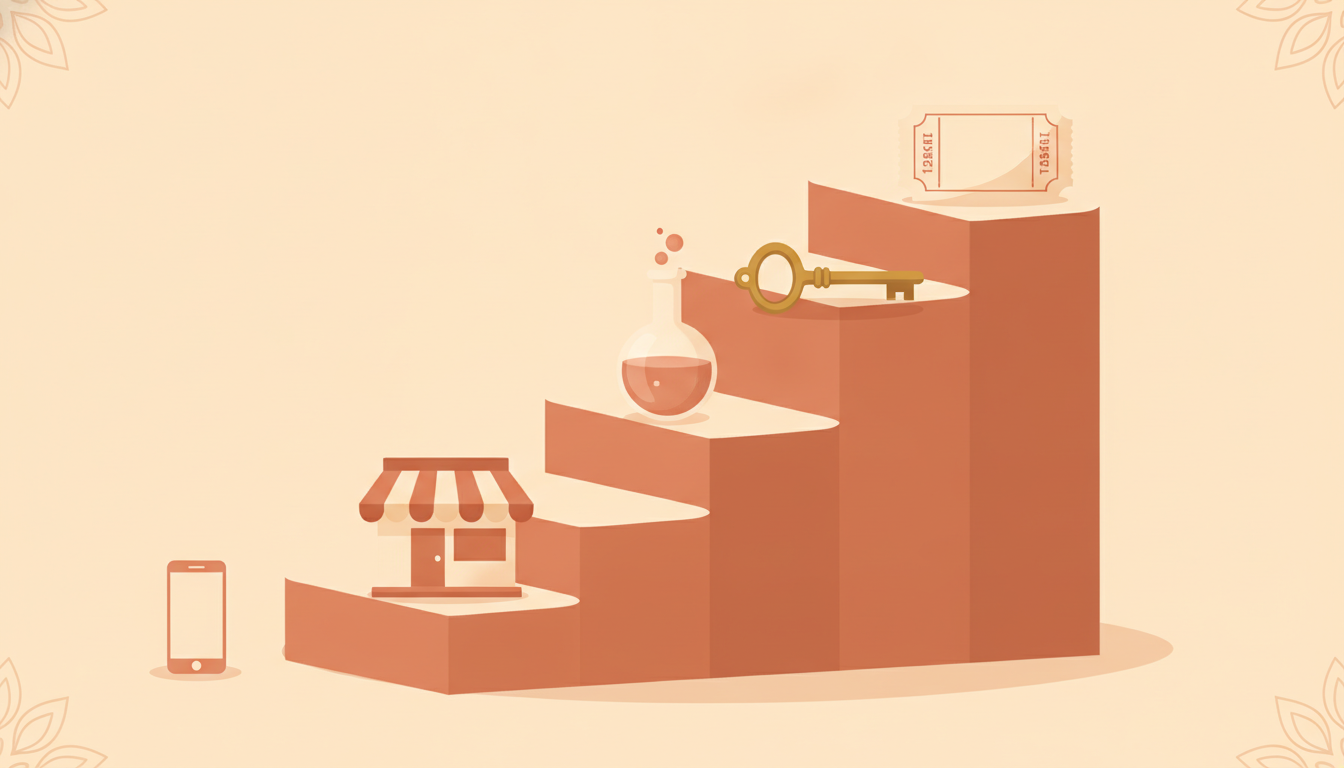
The four availability states, in plain words
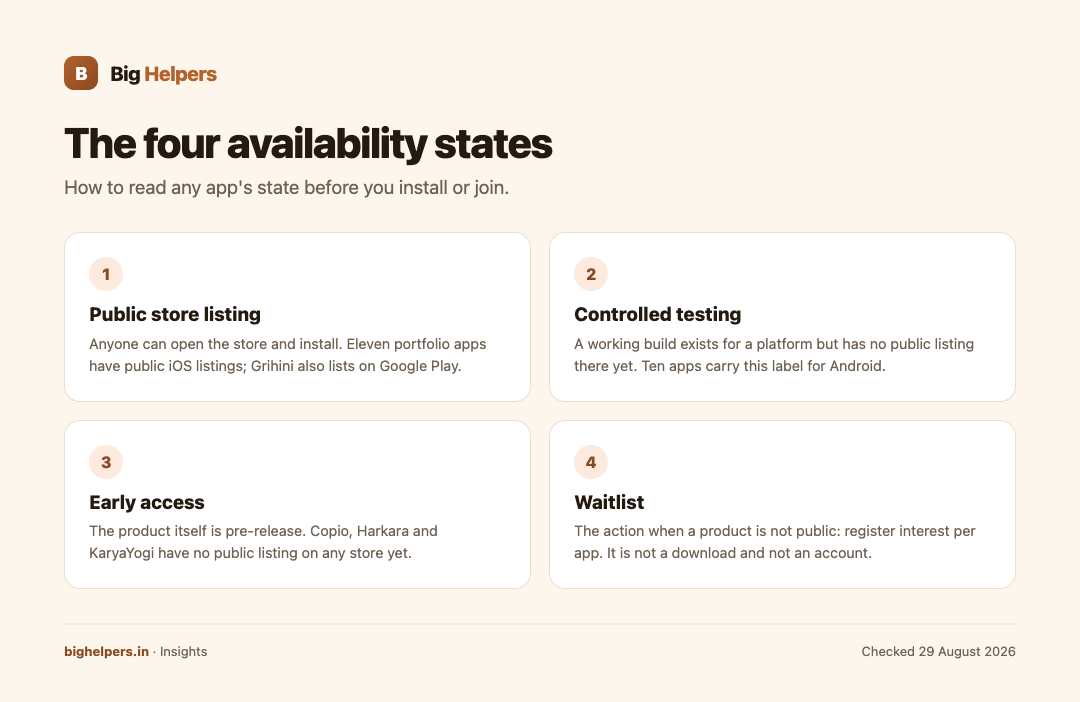
Public store listing. Anyone can open the store, search the app, read the listing and install. That is what the label "Available on iOS" marks. In this portfolio, ten apps carry the full mixed label "Available on iOS. Android is in controlled testing." and Grihini carries "Available on iOS and Android."
Controlled testing. A working build exists for a platform, but it has not been released to the public store for that platform. Testing is limited to invited or managed users. The portfolio page keeps this state visible rather than hiding it, which is why so many entries say "Android is in controlled testing" while their iOS listing is public.
Early access. The product itself is still in a testing and review phase, so there is no public listing on any platform. Two portfolio apps, Copio and Harkara, carry the label "Early access. Public store release is not yet available." KaryaYogi carries a variant: "Early access. The app remains in testing and review lanes."
Waitlist. This is the action available to you when a product is not yet public. You register interest, and the maker invites suitable users to testing or early-access programmes, per the waitlist privacy notice. A waitlist entry is an expression of interest, not a download and not an account.
Why a build can exist without being public
App release is a staged process, and the stages are mostly invisible to users.
First, developers test internally and with small invited groups before any store review. A build that runs reliably for fifty invited testers may still fail a store's review checklist or need refinement.
Second, app stores run their own review processes. A submission can be complete, functional and still not listed until review finishes, and review outcomes can require changes.
Third, makers often stage rollouts deliberately: one platform first, so support load stays manageable, then the second platform through a controlled group before full release.
Fourth, some products stay early access longer because their core loop is still being shaped with a small set of users.
None of this means the app is fake or abandoned. It means the maker separates "exists" from "public", and an honest portfolio page labels the difference. The Big Helpers apps page does this explicitly, with the note "Store availability checked on 29 August 2026. Public, testing and early-access states are kept separate."
The portfolio scoreboard today
The apps page publishes its own count, worth repeating exactly:
- 14 apps in the portfolio
- 11 public iOS listings
- 1 public Android listing
- 3 early-access products
Read carefully, that scoreboard already tells you the whole story. Eleven of fourteen can be installed on an iPhone today. Only one, Grihini, can be installed from Google Play. Three cannot be installed from any store yet, and those three are exactly Copio, Harkara and KaryaYogi.
State-by-state table for the current portfolio
| State | Apps | What you can do today |
|---|---|---|
| Public on iOS, Android in controlled testing | Taskss, Tijori, Pixifold, SureSign, Agman, Burnie, RTI Wiki, INDIA 2047, YourLinks, AdScore | Install from the App Store via each listing; wait for public Android |
| Public on iOS and Android | Grihini | Install from the App Store or Google Play |
| Early access, no public store release | Copio, Harkara | Join the waitlist for that app |
| Early access, testing and review lanes | KaryaYogi | Join the waitlist for that app |
How to verify an availability claim yourself
- Open the maker's portfolio page, not an old article, forum post or search snippet. Availability dates quickly.
- Click through to the store link offered. A public listing opens the store page for that exact app. A missing link usually means there is no public listing.
- On the store page, confirm the developer name matches the maker. Similar names and clone apps exist.
- Check the page's own freshness note. The Big Helpers page carries a dated check line, which is a good sign the state is current.
- For early-access products, read the waitlist terms before joining. The Big Helpers waitlist privacy notice, effective 29 August 2026, states what is collected (email, optional name, app and platform selections, and a one-way hash of the connection address for abuse protection) and that entries can be withdrawn by email.
Mistakes this vocabulary prevents
Treating "controlled testing" as "available" leads to searching Google Play for an app that is not listed there, then installing a lookalike. Treating "early access" as "abandoned" leads to skipping a product that may fit your need. Treating a waitlist entry as a subscription leads to surprise marketing expectations, which the Big Helpers form addresses directly by stating that every selection is independent.
The reverse also matters: a product being early access is not a quality judgement. It is a release-stage fact. Judge fit after the release, not from the label.
Your next step
Open the Big Helpers apps page, read the status label on any app you care about, and act only on what the live page offers: a store link or a waitlist. If a product is early access, read the waitlist privacy notice first, then join for that app alone.
Frequently asked questions
Does "controlled testing" mean the Android app is broken?
No. It means there is no public Android listing yet. The build is being tested with a controlled group before public release.
If an app is on the App Store, is Android coming automatically?
No automatic promise exists. Eleven portfolio apps have public iOS listings and only one has a public Android listing. Android release is a separate decision and process.
What is the difference between early access and controlled testing?
Early access means the product itself is pre-release on every platform, so there is no public store listing anywhere. Controlled testing means the product is public on one platform while another platform's build is limited.
Is joining a waitlist the same as creating an account?
No. The waitlist privacy notice describes it as recording interest, with email and selections, to invite users to testing or release updates. It is not an app account.
Why do statuses change?
Because testing lanes progress, store reviews conclude and rollouts expand. Always recheck the portfolio page before acting on any status claim.
Can I use these apps for my business?
Several, such as YourLinks and AdScore, serve working creators and publishers. For business-specific workflows, the services side builds to order.
Sources & references
- Big Helpers app portfolio page, bighelpers.in/apps/ (status labels, scoreboard and freshness line, verified 29 August 2026)
- Big Helpers App Waitlist Privacy Notice, bighelpers.in/apps/privacy/ (effective 29 August 2026)
- App Store and Google Play listings for the portfolio (checked 29 August 2026)
Pricing in this guide is verified as of the article date. Verify with vendors before committing budget — rates change quarterly.