
In brief
A working personal stack has four moving parts: capture what you must do, read what matters, reuse what you type repeatedly, and publish what you want the world to see. Big Helpers builds one app for each: Taskss for tasks and notes, Harkara for focused email reading, Copio for reusable text, and YourLinks for a link-in-bio page. Today, Taskss and YourLinks are "Available on iOS. Android is in controlled testing." Copio and Harkara are "Early access. Public store release is not yet available." They complement each other well, but they do not connect to each other, and knowing that boundary is what makes the stack work.
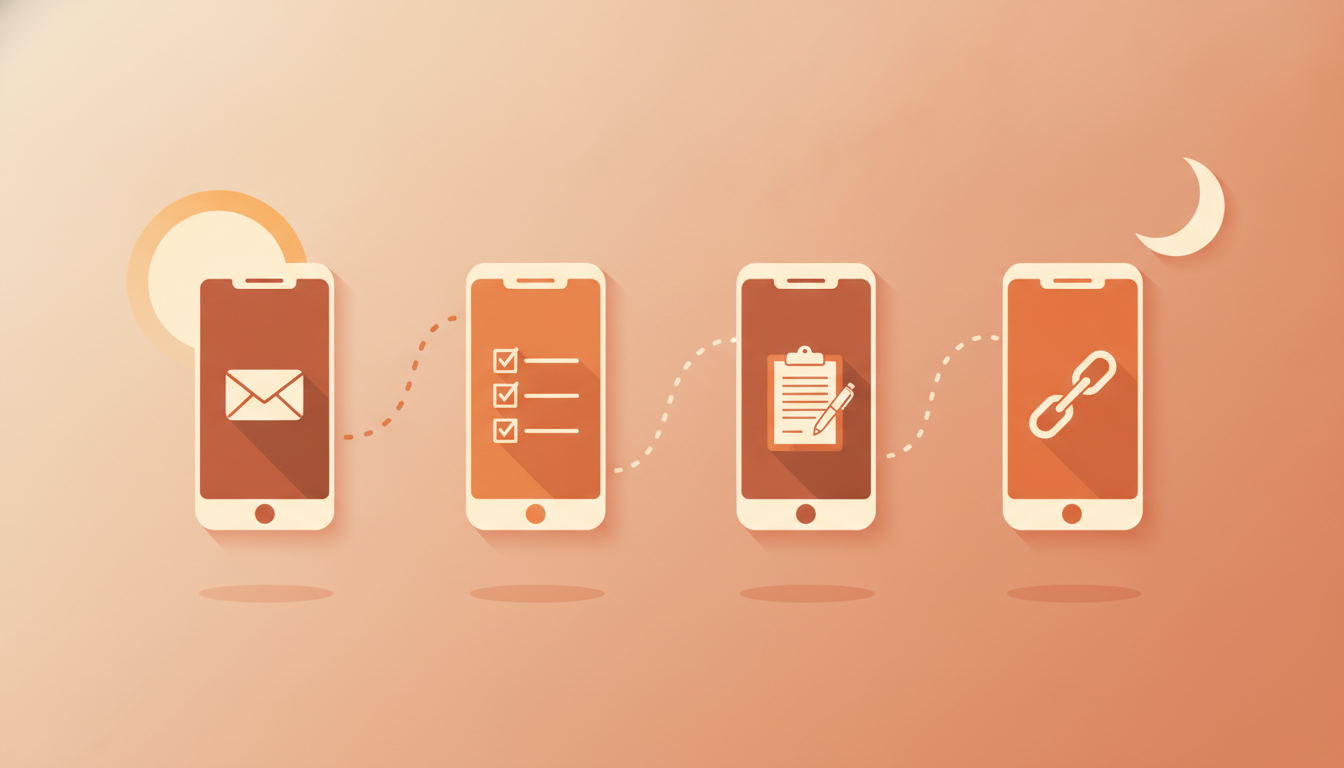
Walk through a working day
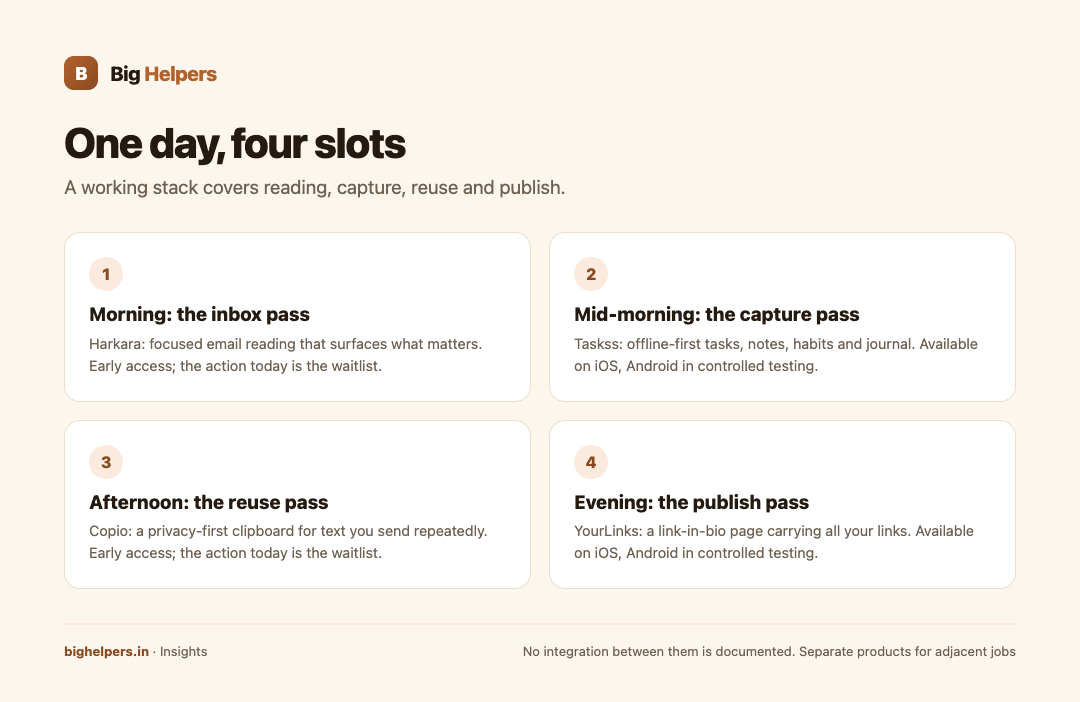
Morning: the inbox pass. You open email and face sixty messages. The job is not to answer everything; it is to find the three that matter. Harkara is described as "Focused email reading that helps surface important messages and actions." That is this slot: a reading layer whose purpose is surfacing, not bulk archiving or auto-replying. Status today: early access, waitlist first.
Mid-morning: the capture pass. As replies arrive, tasks appear. Someone needs a file by evening; someone else confirms a meeting. Taskss, "Offline-first tasks, notes, habits and a private journal in one place", holds the list. The offline-first design suits commutes and patchy signal, and the habits and journal pieces mean one app covers the personal layer too, not just the errands. Status today: available on iOS, Android in controlled testing.
Afternoon: the reuse pass. You send the same payment details, the same address, the same project intro five times a week. Copio is "A privacy-first clipboard for securely reusing text across devices", built exactly for this repeated paste. Until it ships publicly, the alternative is your notes app, which works but mixes sensitive reusable text with everything else. Status today: early access, waitlist first.
Evening: the publish pass. You posted a video and want one stable link that carries your storefront, your other profiles and your latest work. YourLinks is "A creator workspace for publishing and managing a link-in-bio page." This slot is public by design: the whole point is a page people can visit. Status today: available on iOS, Android in controlled testing.
Where they complement each other
The four slots rarely collide. Email reading, task capture, text reuse and link publishing are different jobs done at different moments, so adopting all four creates no obvious conflict. The stack also splits cleanly by audience: a creator needs YourLinks and probably Copio for reusable captions and bios; a salaried professional may need only Taskss and Harkara.
There is a natural sequence, too. You can install Taskss and YourLinks today from the App Store, and join the waitlist for Harkara and Copio in the same sitting, so the stack fills in as those products reach public release.
Where they do not fit together
Three boundaries matter.
First, no documented integration exists between them. The portfolio page lists them as separate apps with separate store listings. Do not expect a task created in Harkara to appear in Taskss automatically, because no such connection is published.
Second, they do not replace each other's core job. YourLinks is not a notes app with public links; Taskss is not a link manager. If you find yourself forcing one into another's slot, the honest answer is that the slot is empty in this portfolio.
Third, overlap exists at the edges. Taskss holds notes, and Copio holds reusable text; both involve storing words. The working rule is simple: Taskss is for text you think with, Copio is for text you send repeatedly. Keeping that line makes both more useful.
Stack decision table
| Slot in your day | App | Core job (portfolio wording) | Availability | Action today |
|---|---|---|---|---|
| Reading email | Harkara | "Focused email reading that helps surface important messages and actions" | Early access. Public store release is not yet available. | Waitlist |
| Capturing tasks and notes | Taskss | "Offline-first tasks, notes, habits and a private journal in one place" | Available on iOS. Android is in controlled testing. | App Store |
| Reusing text | Copio | "A privacy-first clipboard for securely reusing text across devices" | Early access. Public store release is not yet available. | Waitlist |
| Publishing links | YourLinks | "A creator workspace for publishing and managing a link-in-bio page" | Available on iOS. Android is in controlled testing. | App Store |
How to adopt it without overwhelm
- Start with one app that answers today's worst friction. If email is the pain, join the Harkara waitlist and use your current method meanwhile.
- Add the second only after the first feels routine. A stack adopted in one burst is usually abandoned in one burst.
- Put the two early-access apps on the waitlist now, because interest costs nothing: the form collects only what the waitlist privacy notice describes.
- Review after a month: which slot actually saved time? Keep that app and drop the guilt about the rest.
For teams rather than individuals, this personal stack is the wrong toolset; that is where our services work begins, and where content-led growth for small businesses gets its own treatment in our content marketing guide.
Your next step
Open the apps page, install the one available app that matches your worst daily friction, and join the waitlist for the early-access slot you most want filled.
Disclosure: all four apps are Big Helpers products; this guide describes their published roles without implying undocumented integrations.
Frequently asked questions
Can I build this whole stack today?
Half of it. Taskss and YourLinks have public iOS listings. Harkara and Copio are early access, so today's action for those two is joining the waitlist.
Do the four apps sync with each other?
No integration between them is documented on the portfolio page. They are separate products that happen to cover adjacent jobs.
If I have Taskss, do I need Copio?
Possibly not. Taskss covers notes and tasks. Copio targets repeated reuse of text across devices with a privacy-first design. If you rarely retype the same text, skip it.
Is YourLinks only for professional creators?
The portfolio describes a creator workspace for a link-in-bio page. Anyone who wants one public page carrying multiple links, such as a small shop or a community group, fits the same job description.
What does Android users' roadmap look like?
Taskss and YourLinks are in controlled testing on Android. Controlled testing means no public Play Store listing yet, so the honest answer is to watch the portfolio page for changes.
Will joining two waitlists sign me up for everything?
No. The portfolio page states every selection is independent and joining for one app does not subscribe you to all Big Helpers marketing.
Sources & references
- Big Helpers app portfolio page, bighelpers.in/apps/ (app descriptions and status labels, 29 August 2026)
- Big Helpers App Waitlist Privacy Notice, bighelpers.in/apps/privacy/
Pricing in this guide is verified as of the article date. Verify with vendors before committing budget — rates change quarterly.