Pixifold
Private image and PDF tools
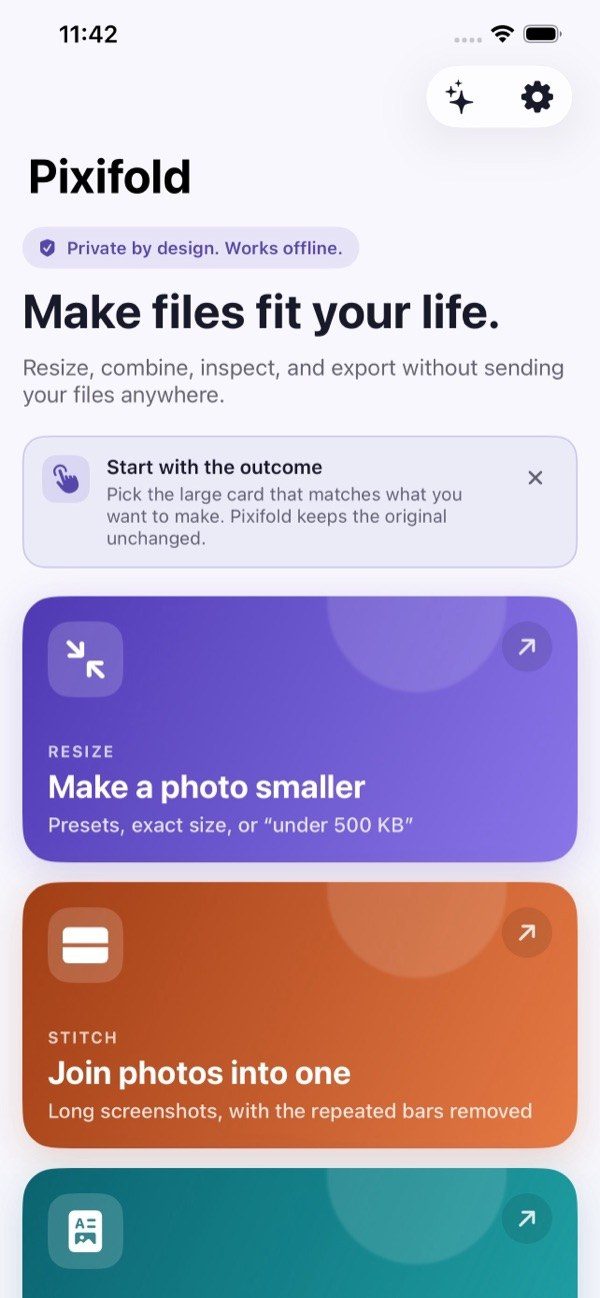
Resize, stitch and convert images and PDFs on your phone; files are processed on the device.

bighelpers.in/partnerapps/go/pixifoldWhat it does
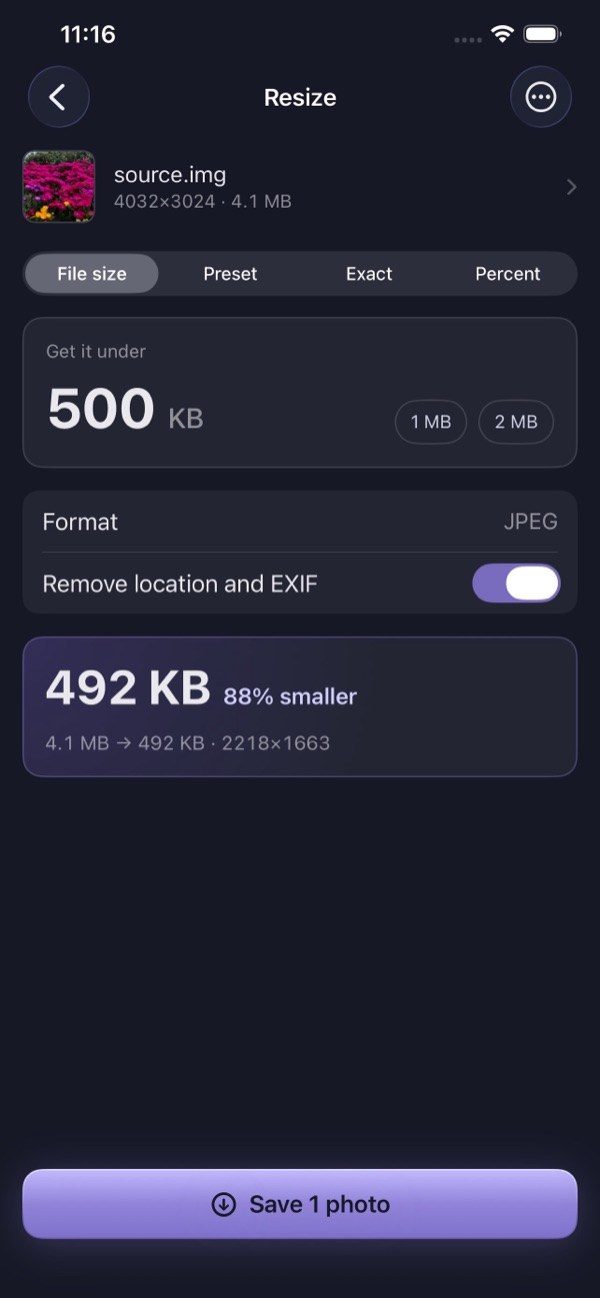
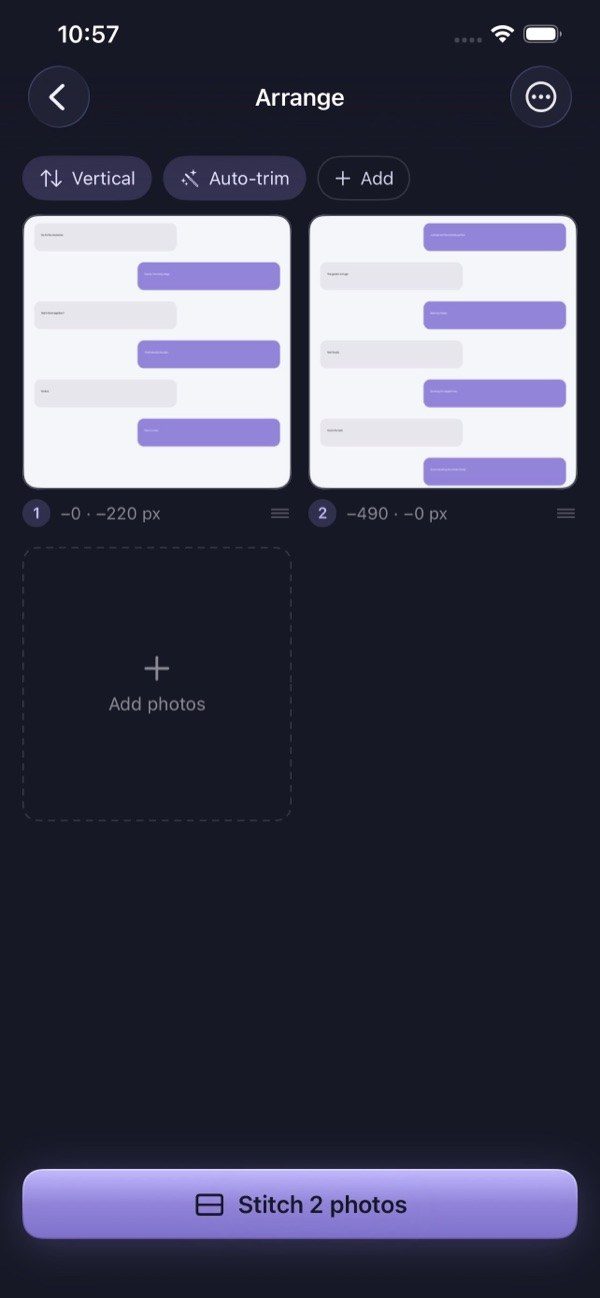
Pixifold handles everyday image and PDF jobs on your phone. Resize one or many photos to a file size or exact dimensions, stitch screenshots into one image, turn photos into a PDF, render PDF pages as images and scan documents to standard paper sizes.
It always saves a new file and leaves your original unchanged. It can also show hidden camera, date and location details and save a clean copy. There is no account, advertising, analytics or tracking.
- Resize photos to a target file size
- Stitch screenshots into one long image
- Turn photos into a PDF
- Scan documents with paper-size presets
- Strip location and camera metadata
Screens
What’s new
New features are posted here when they ship, newest first.
Document scanning with paper-size presets
iOS 1.2 added colour modes and paper sizes, from A3 to receipt rolls, for scans processed on the phone.
Choose a page size for PDFs
On Android, a scan saved as a PDF can use A4, Letter, Legal, card, passport or receipt sizes without stretching.