
VeriPatra
Check whether a signed PDF is genuine
Verify Aadhaar eSign and DSC signatures in PDFs and see what was checked, in plain language.

bighelpers.in/partnerapps/go/veripatraWhat it does
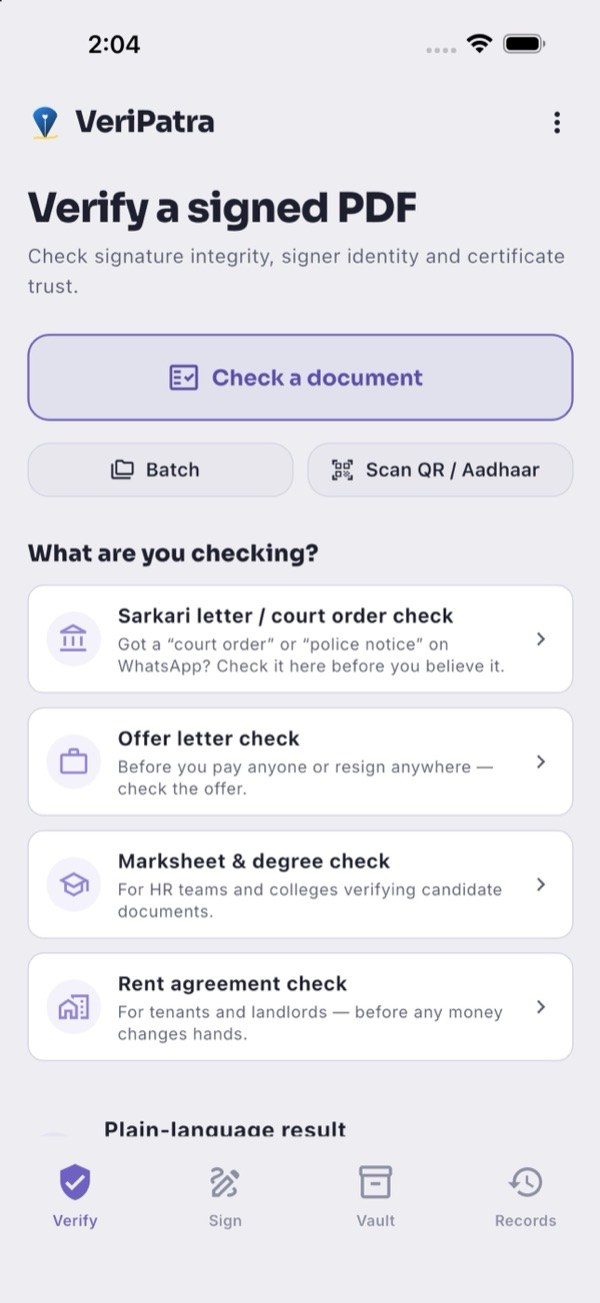
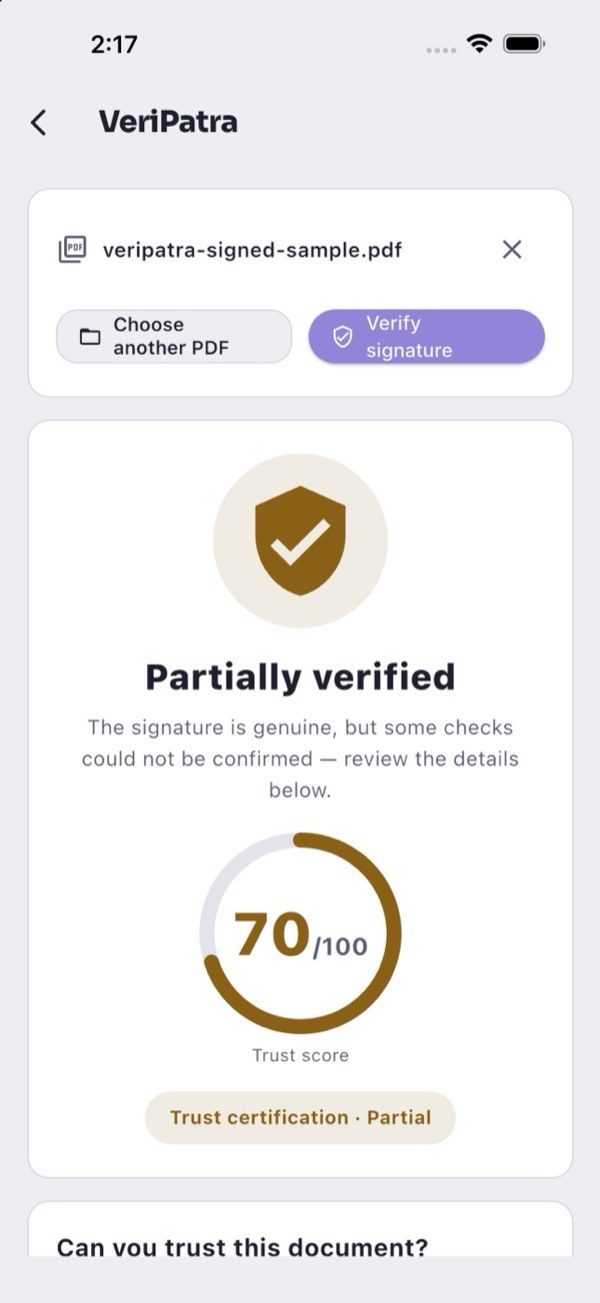
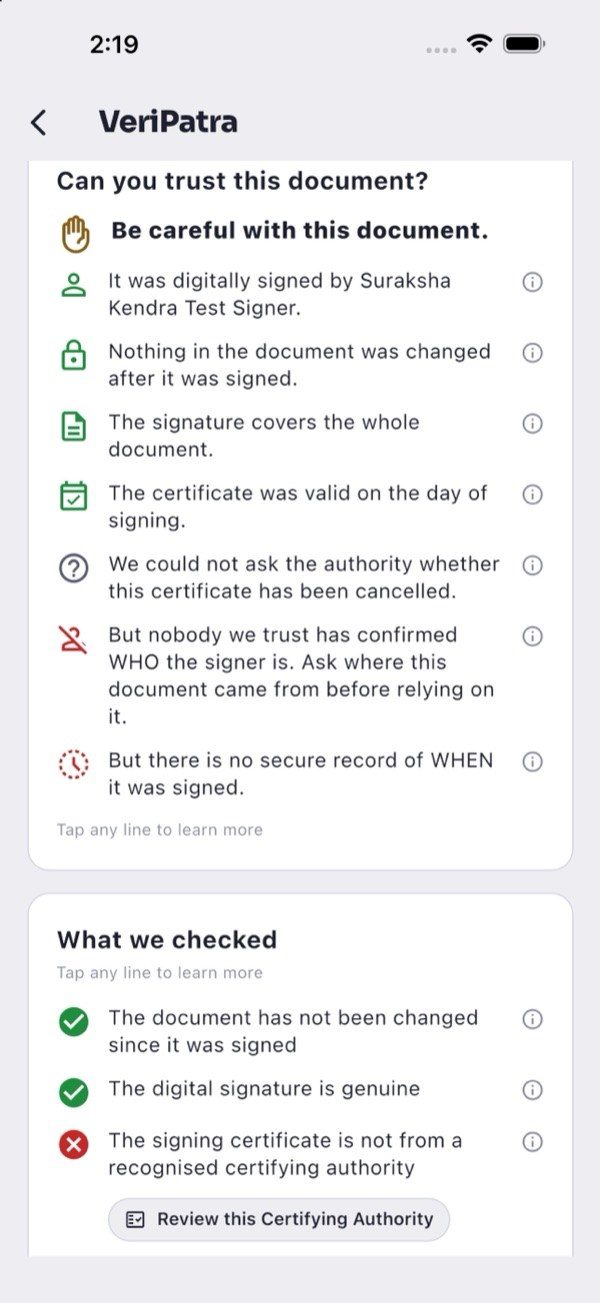
VeriPatra checks the digital signatures inside PDFs, including Aadhaar eSign and DSC, and explains the result in plain language: whether the signature is intact, who signed, and whether the file changed after signing. Partial results and unknowns are shown as such.
You can batch-check files, scan a printed QR to fetch a signed original, add a visual signature or seal, and password-protect a copy. Core features need no account; an optional encrypted vault uses an ID and password you create.
- Verify Aadhaar eSign and DSC signatures
- See if a file changed after signing
- Batch checks with CSV export
- Add a visual signature or seal
- Optional encrypted vault, no phone number
Screens
What’s new
New features are posted here when they ship, newest first.
Faster Trust Passports, fewer false blocks
On Android, Trust Passports refresh right after a check, and ordinary PDFs with subset font names are no longer wrongly blocked.
SureSign is now VeriPatra
iOS 2.6.0 brought the new name and a warning before an ink mark or seal could break an existing signature.