
Short answer
An offline daily planner keeps your day usable when the network drops. Your tasks, calendar, notes and habits sit on your phone, so you can check them in a lift, on a train or during a power cut, and your edits sync later. Test any planner for offline opening, offline editing and a visible sync state before you depend on it. Taskss, from Big Helpers, is an offline-first app for tasks, notes, habits and a private journal, available on iOS.
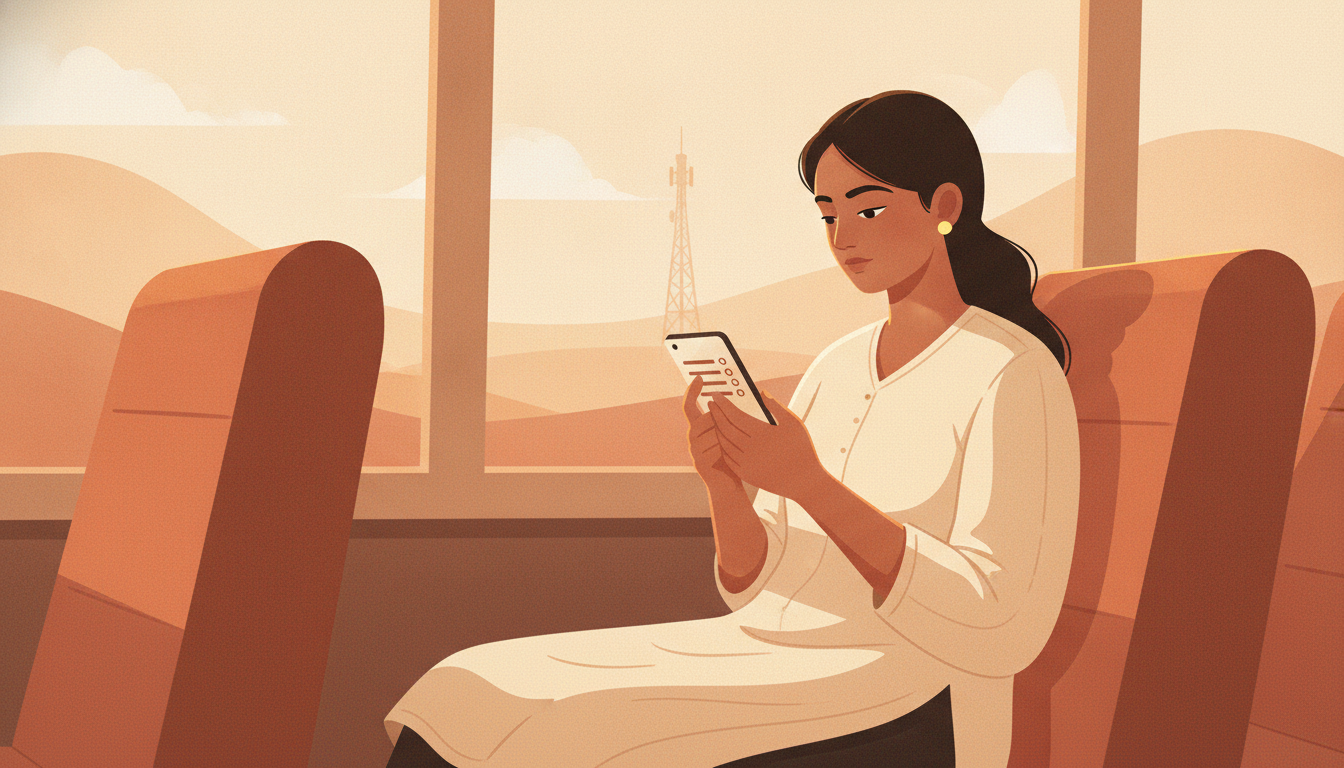
The day your planning depended on a signal
Most planning apps quietly assume the internet is always there. The list lives in the cloud, so the app opens fast only when data flows.
In India that assumption breaks often. Lifts and basements swallow signal. Trains pass through long dead zones. Evening power cuts take the home wifi with them. Trade fair halls are crowded and slow. Data in fringe and rural areas can be patchy for hours.
The failure is quiet. The app opens, but the list never loads. Or you tick a task and the tick does not stick. You do not find out until the evening, when the day is already gone.
An offline-first planner flips the design. The data lives on the device first, and the network is only used to sync copies when it returns.
One field day, planned offline
Priya distributes cosmetics to salons across small towns near Indore. Her day shows what offline-first has to cover.
- 7:40 am, on the bus. She checks today's six shop visits. Nothing to edit. She just needs the list to open without a spinner.
- 11:20 am, a stockroom in a basement. She ticks "confirm Diwali order with Sharma General Store" and types a short note about the display rack. No signal down there. Both actions must still save.
- 2:15 pm, on the highway. She ticks her daily habit, ten minutes of accounts entry. A dead zone should not break a streak.
- 8:50 pm, hotel wifi that keeps dropping. She writes three lines in her journal about which pitch worked. Reflection should not need a speed test first.
None of that work can wait for a signal. Offline-first means none of it has to.
What offline-first means, in three tests
- Open test. With airplane mode on, the app opens and shows today's tasks, calendar, notes and habits from the device itself.
- Edit test. You can add, edit, tick and delete while offline. The app keeps those changes on the device.
- Sync test. When the network returns, changes upload in an orderly way, without duplicates or lost ticks.
If an app only passes the open test, it is offline-readable, not offline-first. Readable is not enough for a workday.
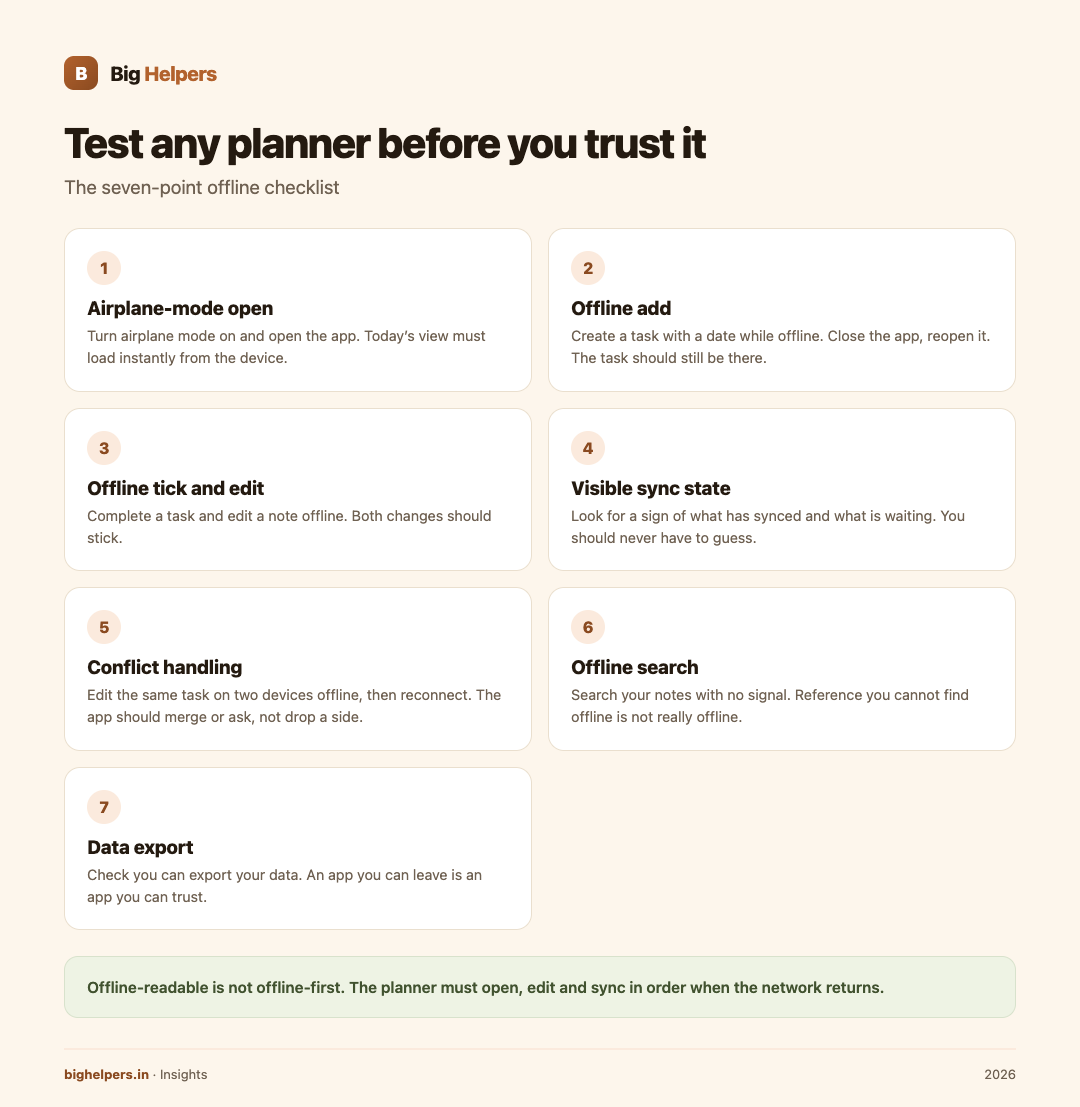
Test before you trust: a seven-point checklist
Run these before you move your life into any planner.
- Airplane-mode open. Turn airplane mode on, open the app, check today's view loads instantly.
- Offline add. Create a task with a date while offline. Close the app. Reopen. It should still be there.
- Offline tick and edit. Complete a task and edit a note offline. Both should stick.
- Visible sync state. Look for a sign of what has synced and what is waiting. You should never have to guess.
- Conflict handling. Edit the same task on two devices while offline, then reconnect. The app should merge or ask you, not silently drop one side.
- Offline search. Search your notes with no signal. Reference material you cannot find offline is not really offline.
- Data export. Check you can export your data. An app you can leave is an app you can trust.
Keep one paper fallback
Even a good offline app deserves a backup that cannot crash. Keep one index card or a small diary page. Each night, write tomorrow's top three tasks on it. That is all. Paper has a hundred percent uptime and no battery.
Where Taskss fits
Taskss is a Big Helpers app. The Big Helpers apps page describes it as "Offline-first tasks, notes, habits and a private journal in one place."
Its App Store listing, checked on 29 August 2026, goes further. It says the app "works offline; syncs when you are back", and that offline changes "queue up and sync when you are back, in the right order, without duplicating or losing anything." In the listing's words, "Offline is not a degraded mode here; it is how the app is built."
Verified listing details:
- Tasks with Today, Upcoming and Browse views, plus projects, areas, labels, filters and templates when you want structure.
- A calendar with month, week and day views, sitting beside tasks instead of in another app.
- Notes with rich text, folders, attachments, and a lock on folders you want private.
- Habits with daily, weekly or custom cadences and streaks.
- A journal the listing says is "encrypted on your device with a passphrase only you know", adding "We store it, but we cannot read it."
- No advertisements, no tracking, nothing sold, per the listing, and account deletion from inside the app.
- Free while in beta, with every feature available to beta users, per the listing.
Availability, exactly as the apps page states it: "Available on iOS. Android is in controlled testing." So iPhone and iPad users can install it today from the App Store. Android users cannot yet, and there is no public Android release date.
None of the advice above depends on Taskss. The airplane-mode test, the seven-point checklist and the index card work with any planner you already use, or with paper alone. Taskss is simply one option that has been built around offline use from the start.
People who want a deeper look at how Big Helpers thinks about apps for Indian users can read about mobile app development or the choice between a custom mobile app and a WhatsApp bot. Field workers and shop owners may also find the local business guide useful.
Frequently asked questions
Does offline-first mean my data never leaves my phone?
No. Offline-first means the app works fully without the internet. Taskss syncs your changes when you are back online, as its listing states. Read the privacy label on the App Store listing before you decide what suits you.
What happens to edits I make on a train?
The Taskss listing says offline changes queue up and sync in order when you reconnect, without duplicating or losing anything. A good habit is to glance at the sync state once after a long offline stretch.
Is the journal in Taskss actually private?
The App Store listing says the journal is encrypted on your device with a passphrase only you know, and that the maker stores it but cannot read it. That is the vendor's own published claim. Your passphrase is the real control, so choose a strong, unique one.
I use Android. Can I install Taskss?
Not publicly. Android is in controlled testing, in the words of the apps page. Android users can join the Big Helpers interest list and choose the Android platform option.
Is Taskss free?
The listing currently says the app is free while in beta and that everyone in the beta gets every feature. Pricing can change, so check the listing before installing.
Paper or app, which is better for patchy networks?
Both, for different jobs. Paper never fails and is best for today's short list. An offline-first app carries the full system: history, notes, habits and journal.
What to do next
Taskss is available on iOS. Android is in controlled testing. If you plan your day on an iPhone or iPad, see Taskss on the App Store. If you are on Android, join the Big Helpers interest list at bighelpers.in/apps and pick Android as your platform. Joining the list is not a download, a tester approval or a release date promise; it only means you will hear about it.
Sources & references
- Big Helpers apps page - app descriptions, availability status and waitlist details, checked 29 August 2026.
- Taskss on the App Store - offline behaviour, journal encryption, features and beta pricing, checked 29 August 2026.
Pricing in this guide is verified as of the article date. Verify with vendors before committing budget — rates change quarterly.