
The short answer
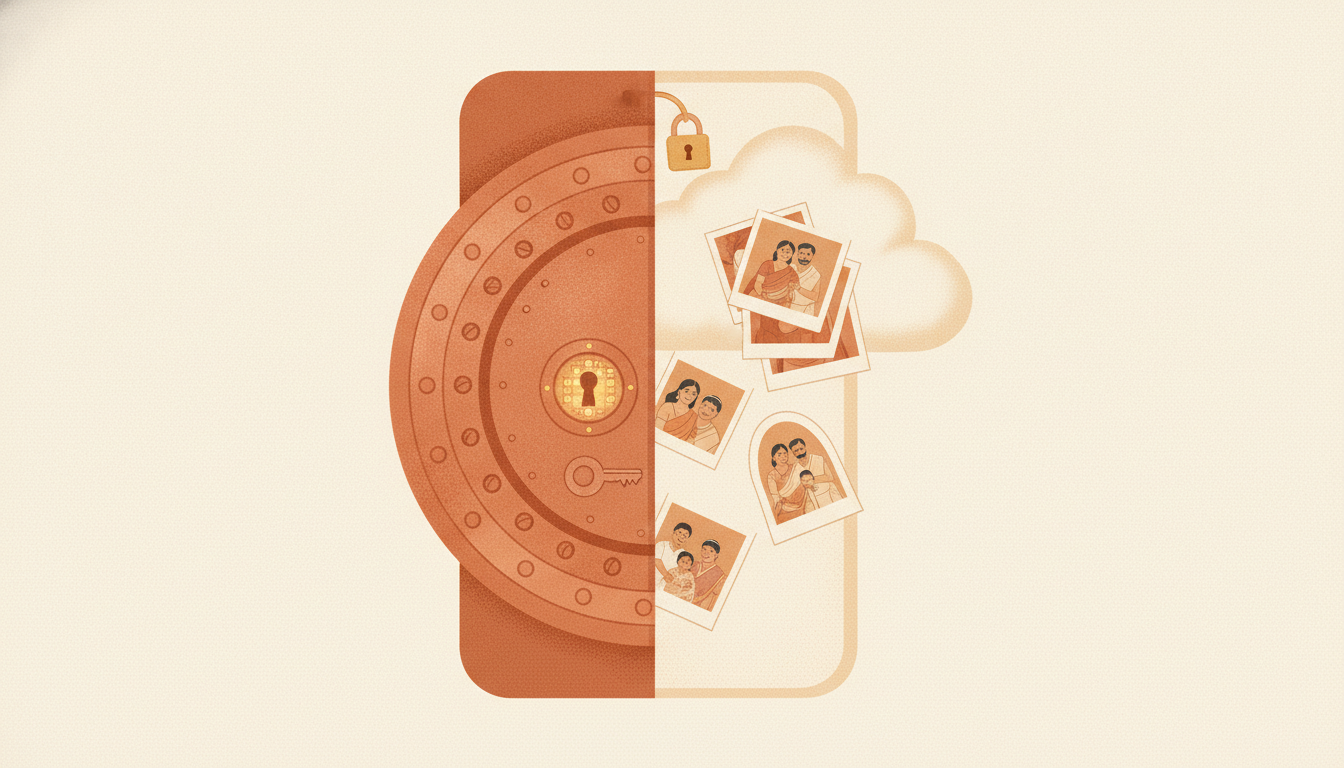
Choose by threat model, not by feature count. An offline encrypted vault keeps private media on your device under a PIN: there is no account to compromise and no server holding your photos, but you alone are responsible for backups. A cloud hidden album keeps copies on servers and syncs across devices: convenient and survivable, but your private media sits behind an account, and that account becomes the thing to protect. Neither is universally safer; each answers a different question.
Nine questions to ask before you choose
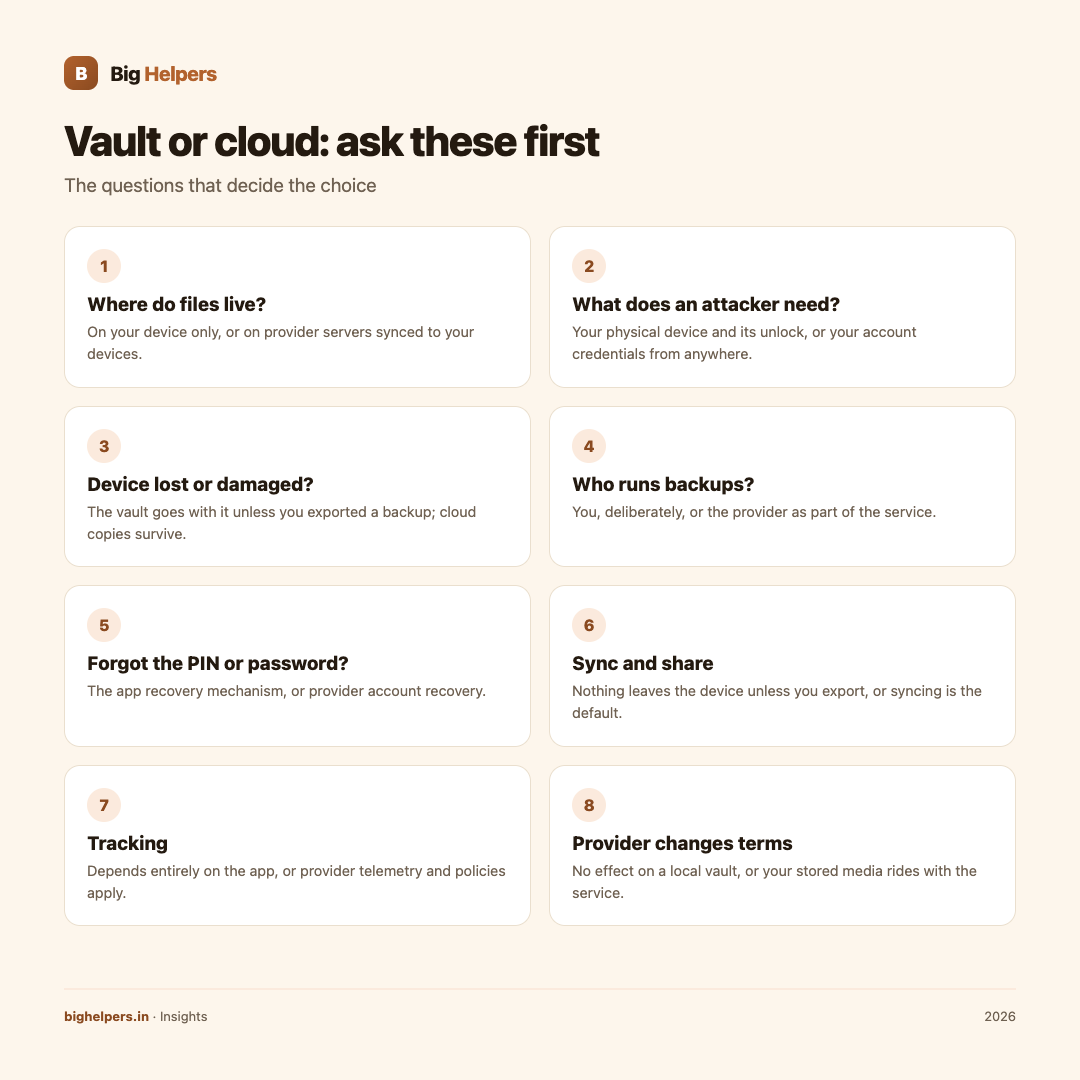
| Question | Offline encrypted vault | Cloud hidden album |
|---|---|---|
| Where do the files live? | On your device only | On provider servers, synced to your devices |
| What does an attacker need? | Your physical device and its unlock | Your account credentials, from anywhere |
| What if the device is lost or damaged? | Everything goes with it unless you exported a backup | Copies survive on the servers |
| Who runs backups? | You, deliberately | The provider, as part of the service |
| What if you forget the PIN or password? | Recovery depends on the app's recovery mechanism, often a passphrase set at setup | Provider account recovery, usually via email or phone |
| What happens when you sync or share? | Nothing leaves the device unless you choose to export | Features often assume syncing; sharing is easy, and easy works both ways |
| What tracking is involved? | Depends entirely on the app; a no-analytics app can mean none | Provider telemetry and service policies apply |
| What if the provider changes policy or pricing? | No effect on your local vault | Your stored media rides with the service |
| What does it cost you day to day? | You manage exports and backups | Less to remember, more to monitor |
Turn the table into a decision
Work through three steps. First, name your actual worry: a stolen phone, a snooping relative, an account breach, a lost device with no backup. Second, check which column handles that worry better. Third, be honest about yourself: the best backup plan you never run loses to the adequate one you run every month.
Two failure modes deserve respect. Offline users lose media when a device dies with no exported backup; that is the most common loss in vault usage. Cloud users expose media when an account falls to a reused password or a SIM-swap; that is the most common loss on the other side. Choose the failure you are better equipped to prevent.
Data loss: read this before you move anything
Moving photos into a vault is a moment of risk. Before you delete any original, confirm the vault copy opens correctly, and confirm you have exported at least one encrypted backup to a destination you control. Never let deletion of originals be the default; make it a decision you make after verification. If an app offers to remove originals after import, as ours does, treat that option as exactly what it is: an optional step for after you have verified your copies.
Tijori's position, stated precisely
Tijori is our free iOS vault app, and its distinction is structural: it is fully offline. Its App Store listing describes it as a "fully offline encrypted vault" for photos, videos, documents, cards and notes, with "no account, cloud, ads or tracking", no internet access, and the vault stays on your device and remains available without a connection. The listing states the developer does not collect any data from the app.
The security model, as the listing describes it: unlock with your PIN and supported biometrics, separate protection for private folders, an optional decoy vault with its own PIN, auto-lock when you leave the app, and encrypted break-in reports after failed unlock attempts. On the privacy-of-input side, the listing states Tijori can scrub EXIF and GPS location data from imported photos, and let you blur or redact sensitive details before saving an encrypted copy.
On the responsibility side, the listing is equally clear: Tijori creates a recovery passphrase during setup, lets you export a password-protected encrypted backup file to a destination you choose, and does not upload or sync that backup for you. That last sentence is the honest cost of offline design: backups are your job, and they matter.
Tijori is available on iOS. Android is in controlled testing.
What cloud hidden albums do well
Say it fairly: cloud services earn their place. They survive device loss without your discipline, they make sharing with a partner or across devices effortless, and reputable providers invest heavily in account security features such as two-factor authentication. If your top worry is losing the only copy of family photos, and you will set a strong password with second-factor protection, a cloud album is a defensible choice. Read the provider's policy on stored content, and use the account protections it offers.
Many people land sensibly on a hybrid: an offline vault for the small set of most sensitive items, cloud for the broad family archive. That works when each item lives where its failure mode is one you can live with.
Frequently asked questions
Is an offline vault always more private?
Only if the app itself is clean. An offline app with analytics or ads still phones home about usage patterns. Check the listing's privacy section; Tijori states no data is collected and there are no ads or analytics.
How do I back up an offline vault safely?
Export the app's encrypted backup to a destination you control, such as your computer or a drive you keep, and store the recovery passphrase separately from the backup. Test a restore before you rely on it.
What if I forget my vault PIN?
Use the recovery mechanism the app set up with you. Tijori creates a recovery passphrase during setup; without it, an offline vault with no account cannot be recovered by anyone, including the developer.
Are hidden albums in cloud services encrypted?
Storage in transit and on servers is typically encrypted, but that protects against outsiders, not against someone who takes over your account. The account is the boundary; harden it.
Can I use both approaches together?
Yes, many people do. Keep the most sensitive few items in an offline vault and the bulk archive in a well-protected cloud account, and verify backups of both.
What should I check before trusting any vault app?
Its privacy listing for data collection and tracking, whether processing is on-device, what recovery exists, and how backups work. If any answer is unclear, treat the app as unproven.
Last reviewed: 29 August 2026.
What to do next
If your worry is a server-side copy of your most private media, try Tijori: a fully offline encrypted vault with PIN and biometric unlock, folder-level protection, EXIF scrubbing on import, and encrypted backup export to a destination you choose. Tijori is available on iOS. Android is in controlled testing. See the Big Helpers apps page for current status, read our guide on data residency in India, or contact us with a question.
Sources & references
Pricing in this guide is verified as of the article date. Verify with vendors before committing budget — rates change quarterly.