
The direct answer
A privacy-respecting calendar has four parts: a planning surface you control, a small reuse library for standard text, a fixed review habit, and one strict rule about reader data. Plan topics and dates in an offline-capable task app, keep reusable snippets in a clipboard store instead of scattered chat drafts, review results weekly in your authorised accounts only, and never paste a reader's personal details into planning notes. The calendar describes your work, not your readers.
Part one: the planning surface
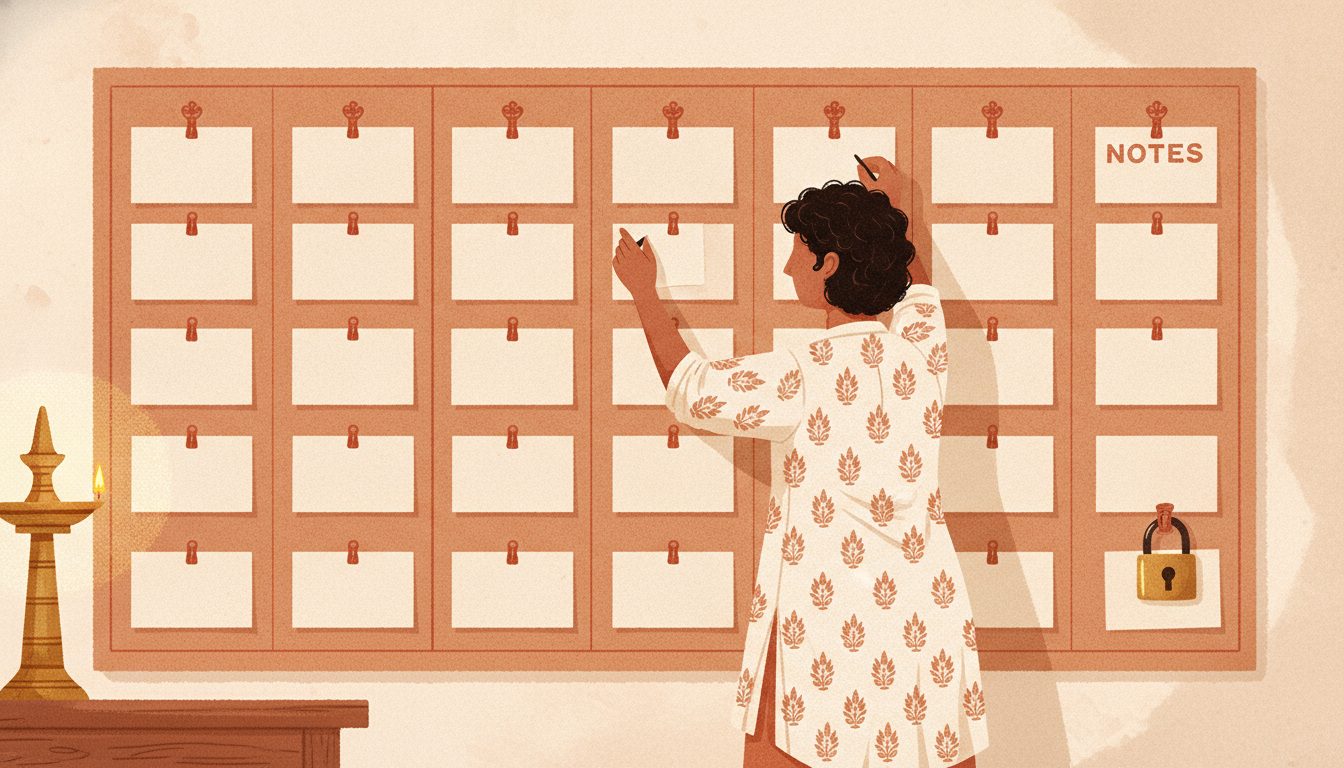
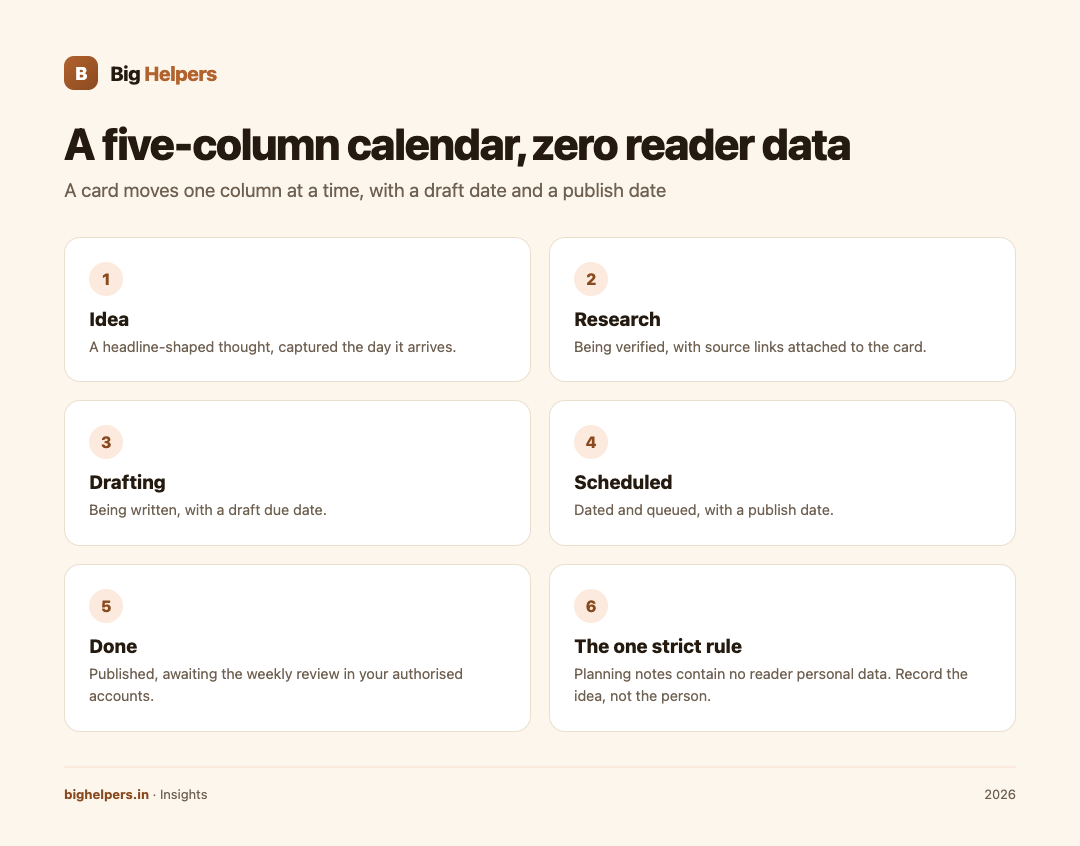
Your calendar answers three questions: what is being written, when it publishes, and what state it is in. A simple board with five columns covers it:
| Column | Meaning | Example card |
|---|---|---|
| Idea | A headline-shaped thought | "Guide to festival-week ad rates" |
| Research | Being verified, sources collected | Same card, with source links attached |
| Drafting | Being written | Draft due Friday |
| Scheduled | Dated and queued | Publishes Tuesday 9 am |
| Done | Published; awaiting the weekly review | Review in week 36 notes |
A card moves one column at a time, and every card carries two dates: draft date and publish date. That is the entire system. Complexity is what kills calendars, not missing features.
Taskss, from the Big Helpers apps list, fits this layer well. Its App Store listing describes tasks with Today, Upcoming and Browse views, calendar integration with month, week and day views, notes with folders and attachments, habits on daily, weekly or custom cadences, and an encrypted journal protected by a passphrase. It works offline and syncs when you are back on a network. The listing also states: "Your data is yours. No advertisements. No tracking. Nothing sold." It is free while in beta, available on iOS, with Android in controlled testing; the current status is on the Big Helpers apps page.
Part two: the reuse library
Every publisher rewrites the same fragments: your bio line, your standard disclosure, your newsletter footer, the introduction you always use. Keeping these in a dedicated clipboard store, instead of a chat thread to yourself, means the canonical version is always the one you paste.
Big Helpers' Copio is described on its apps page as "a privacy-first clipboard for securely reusing text across devices", and its current status is early access, with public store release not yet available. That status is the point worth copying: adopt tools when they are honestly described, not before. Until Copio reaches public release, the same job can be done by any locked note; what matters is that one place holds the canonical text.
Part three: the review habit
The calendar feeds a weekly review, and the review feeds the calendar. Once a week, in your authorised advertising and analytics accounts only, check what moved, then let the findings set next week's cards. If a topic consistently earns attention, it earns a slot; if a format never does, it loses its recurring slot. The habit itself matters more than the tool; the routine is simple, a fixed 30-minute slot, comparable periods, notes, one action, and then the dashboard closes until next week. The content marketing guide for Indian SMEs covers the strategy side of the same routine.
A note on dashboards: Big Helpers' AdScore is currently a preview app that, per its App Store listing, uses demonstration data, does not connect to a live Google AdSense or Google AdMob account, and states that no financial decisions should be based on its sample values. It can help you see how a weekly review layout might look, but your real review always happens inside your own authorised account reports. Estimates, demonstration data and live connected data are three different things, and only the third one is yours.
Part four: the reader-data rule
The single most important rule in a privacy-respecting calendar: planning notes contain no reader personal data. No names, no emails, no phone numbers, no screenshots of individual readers. If a reader's message sparks an idea, record the idea, not the person.
A five-point privacy checklist for your whole publishing stack:
- Collect less. Every analytics toggle you leave off is one less thing to protect.
- Separate work and people. Calendars and drafts describe topics; individual readers belong, if anywhere, in a lawful, minimal store you control.
- Prefer offline-capable tools for plans. Drafts and calendars rarely need a server.
- Check the legal side once, properly. India's DPDP Act sets duties for how personal data is handled; our DPDP compliance guide for websites walks through it.
- Audit quarterly. List every tool that touches reader data and ask of each: do we still need it, and who else can see it?
The wider creator stack, the tools around the calendar for links, sites and billing, is collected on our creators page; adopt from it only what your calendar actually needs.
A realistic month for a solo publisher
| Week | Planning focus | Output |
|---|---|---|
| 1 | Choose three themes for the month; six working titles | Calendar populated |
| 2 | Research and draft two pieces | Two cards in Drafting |
| 3 | Publish one, draft one, review last month's results | One Scheduled, notes written |
| 4 | Publish second, tidy the reuse library, quarterly privacy audit if due | Board clean, audit logged |
Half the value of a calendar is the post-mortem: after four weeks, your Done column plus your review notes are a private dataset about your own effort, and it contains no reader data at all.
FAQs
Do I need special software for a privacy-respecting calendar?
No. A paper diary respects privacy perfectly. Software earns its place by making search, dates and reuse easier, which is where offline-capable task apps fit.
What reader data is safe to record?
Aggregate facts, such as "the payments guide got the most attention this month". Individual identities are not planning material.
How do reusable snippets relate to privacy?
They reduce copy-paste errors and keep one canonical disclosure or bio. They should contain your standard text, never reader information.
Why does demo data in a dashboard matter to my calendar?
Because a review built on demonstration figures would steer your editorial choices at random. Estimates, demos and live data are different things; decisions belong only to live, authorised data.
How often should the calendar itself be reviewed?
Weekly, briefly, as part of the review habit. Monthly for themes, quarterly for the privacy audit.
Your next step
Set up the five-column board in Taskss today, create a weekly recurring habit for the review, and put the quarterly privacy audit in as a dated task. Taskss is free while in beta, available on iOS with Android in controlled testing, via the Big Helpers apps page. Start with three cards; a calendar you keep beats a system you admire.
Sources & references
- Taskss App Store listing: apps.apple.com/in/app/taskss/id6791248029 (fetched 29 August 2026)
- Big Helpers apps page (Taskss, AdScore and Copio status): bighelpers.in/apps/
- AdScore App Store listing: apps.apple.com/in/app/adscore/id6797173652
- Our DPDP Act compliance guide: bighelpers.in/insights/dpdp-act-website-compliance/
Pricing in this guide is verified as of the article date. Verify with vendors before committing budget — rates change quarterly.